Descript
Underlord
Pricing
Continue
You’re going to love Descript.
Descript is a different kind of video & podcast editor that gives creators superpowers like:
Create your next project in Descript. It’s free.
Descript is a different kind of video & podcast editor that gives creators superpowers like:
Get started for free
Oops! Something went wrong while submitting the form.
Continue
You’re going to love Descript.
Descript is a different kind of video & podcast editor that gives creators superpowers like:
Create your next project in Descript. It’s free.
Descript is a different kind of video & podcast editor that gives creators superpowers like:
Get started for free
Oops! Something went wrong while submitting the form.
Continue
You’re going to love Descript.
Descript is a different kind of video & podcast editor that gives creators superpowers like:
Create your next project in Descript. It’s free.
Descript is a different kind of video & podcast editor that gives creators superpowers like:
Get started for free
Oops! Something went wrong while submitting the form.
Continue
You’re going to love Descript.
Descript is a different kind of video & podcast editor that gives creators superpowers like:
Create your next project in Descript. It’s free.
Descript is a different kind of video & podcast editor that gives creators superpowers like:
Get started for free
Oops! Something went wrong while submitting the form.
Updated
July 29, 2026

Save your recordings with Descript's AI audio enhancer

Descript's AI audio enhancer rebuilds noisy or thin speech recordings. See what it repairs, what stays broken, and why clipped audio cannot be recovered.

Ashley Hamer Pritchard
,
In this article
Related tools

Voice Enhancer

Remove Background Noise

Audio Editor

Descript's AI audio enhancer rebuilds thin or noisy speech into something closer to a treated room. It works on the recording you have, which matters when reshooting is not an option. What it cannot fix is clipping, because that information is gone.

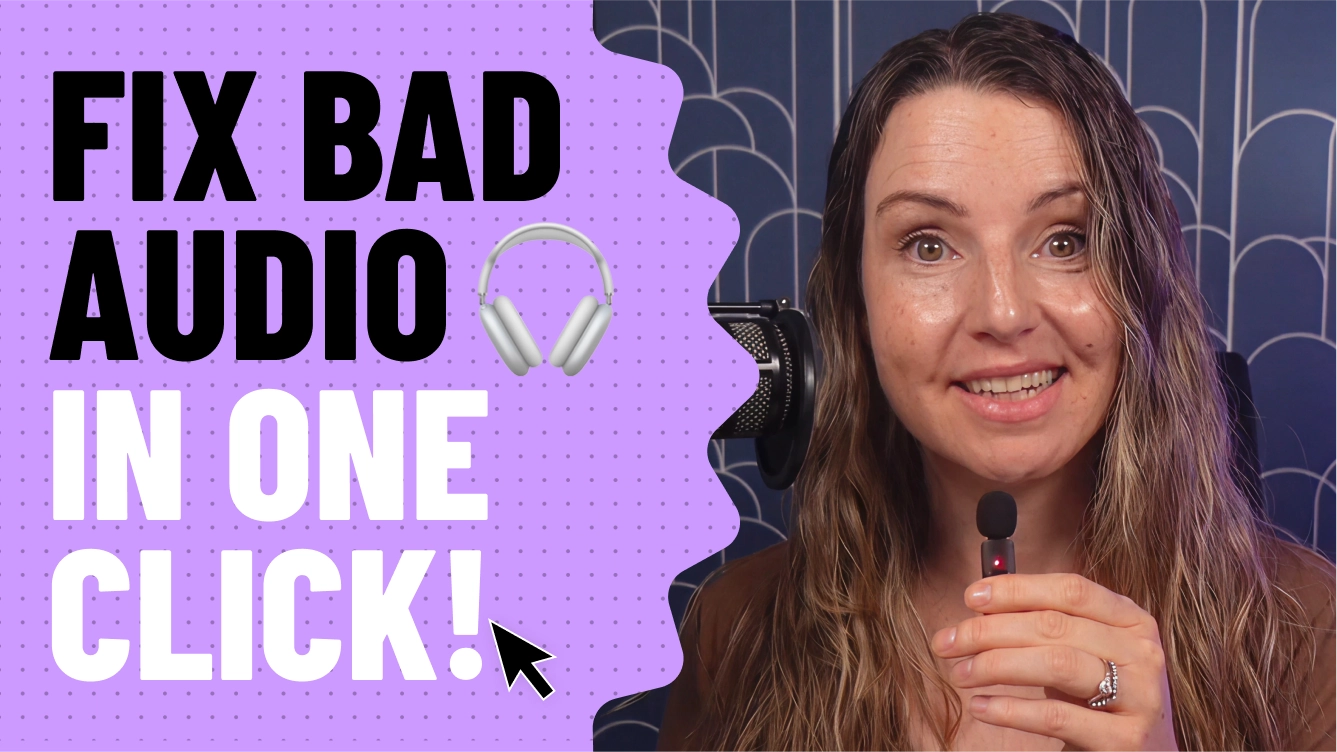
I'm gonna show you how to fix bad audio just like that with AI, even if you don't know anything about fixing bad audio.

So say you or a guest recorded on a bad mic. Outside. On leaf blower day. On leaf blower day. Here's how to make it sound like you recorded in a studio. Just open up Descript, import your audio or video file, Go to AI tools, and then click Studio Sound. Or just tell Underlord to do it for you. Adjust the intensity until it sounds just right and boom. It sounds like I'm on a fancy mic in a sound-proof room. Give it a try.

Share this article

Get free recording and editing tips delivered to your inbox

Thank you for subscribing!
Oops! Something went wrong while submitting the form.
By subscribing, you consent to receiving marketing emails. You may unsubscribe at any time.

Related articles

Go deeper, make better video

Descript is an all-in-one editing platform that makes creating video as easy as editing text, with AI tools that reduce the drudgery so you can focus on making something good.

Try it free ->