4K Remote Recording

Record every take, even your worst takes.

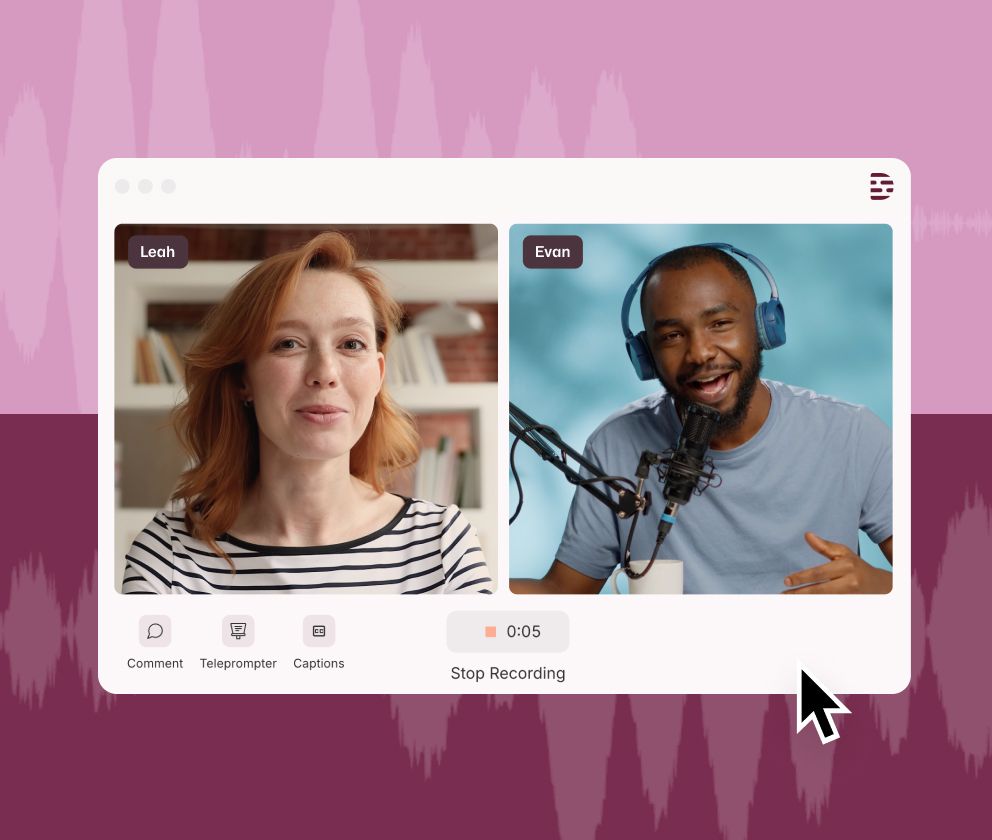
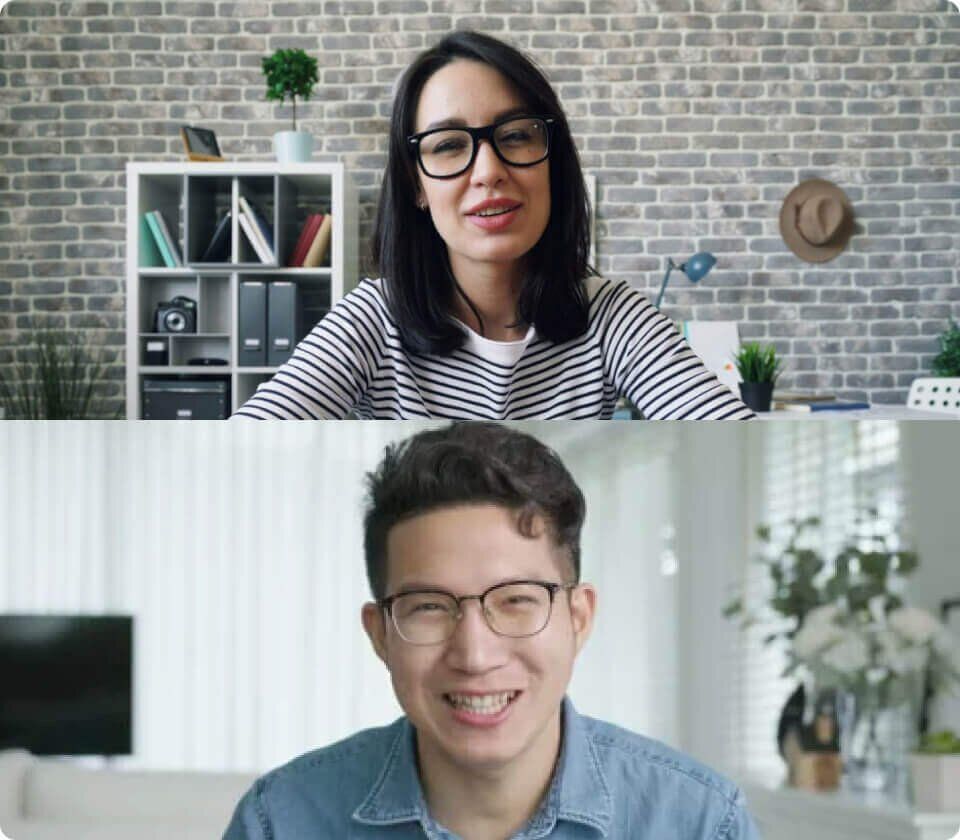
Descript Rooms is a remote recording studio that runs in your browser. Everyone records locally in up to 4K, so a shaky connection doesn't ruin the session. All of the files land in your project already transcribed.


Hero Image

Most of the best podcasts use Descript

Record your way

Live, on a schedule, or whenever your guest gets around to it.

Record live

Capture guests, co-hosts, and producers. Every participant gets a separate file, recorded on their own machine in up to 4K.

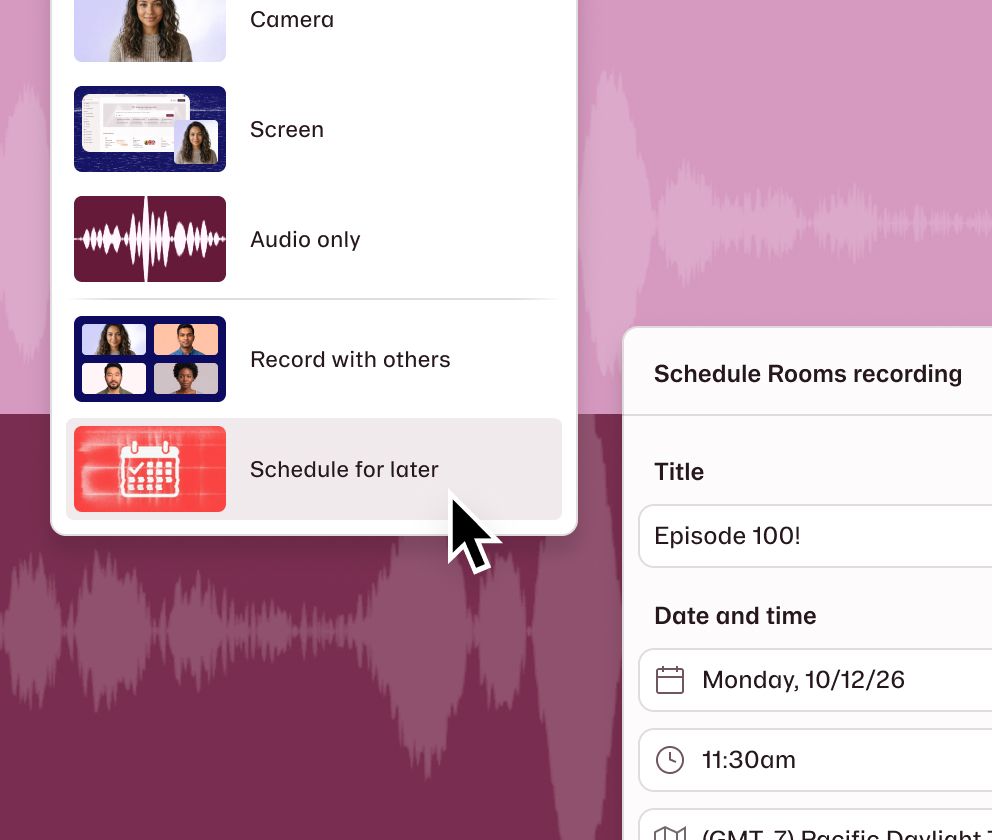
Schedule ahead

Share a link or add it to Google Calendar or Outlook. You don't have to be there to start it and choose who's allowed to hit record.

Let them pick the time

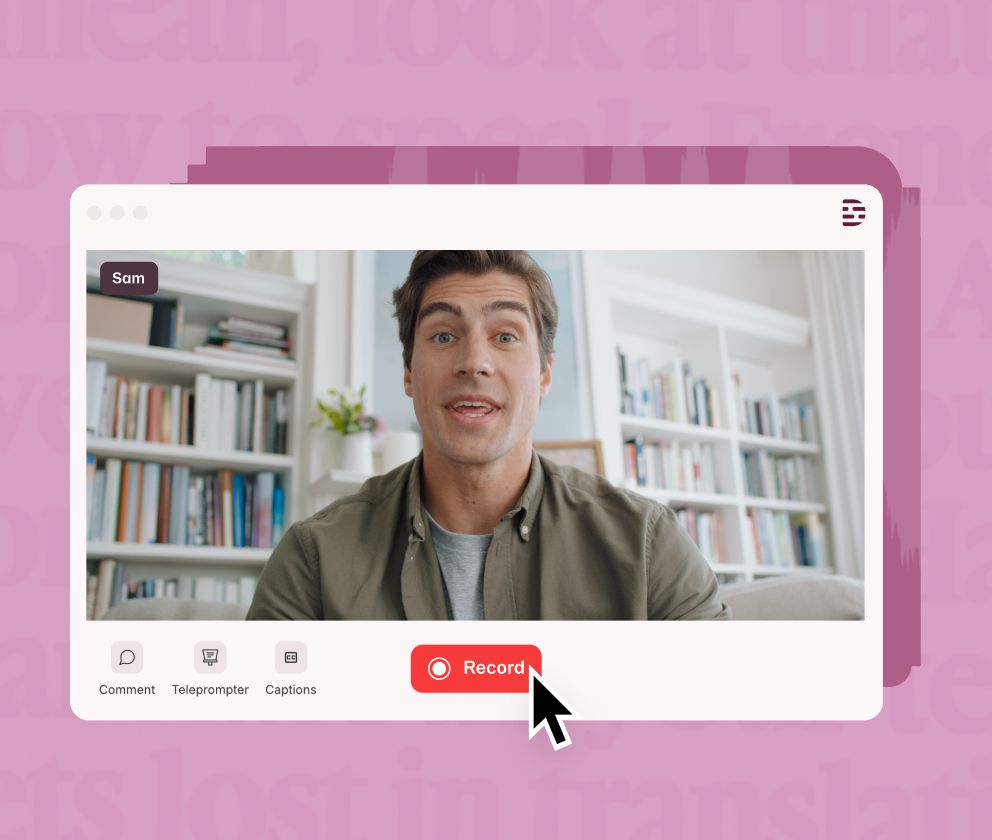
Send an async link with a script for the teleprompter. Each guest records alone, reviews the take, and submits it straight to your project. Good for testimonials, interviews, and speaker intros. Available on Enterprise plans.

Take full control

For business and enterprise users, Control Room lets up to 10 producers run the recording session. Use push-to-talk to communicate with hosts without being seen and add timestamped comments in real time so editors know exactly what to do later.

Built for the parts that usually go wrong

Bad Wi-Fi, good recording

Bad Wi-Fi, good recording

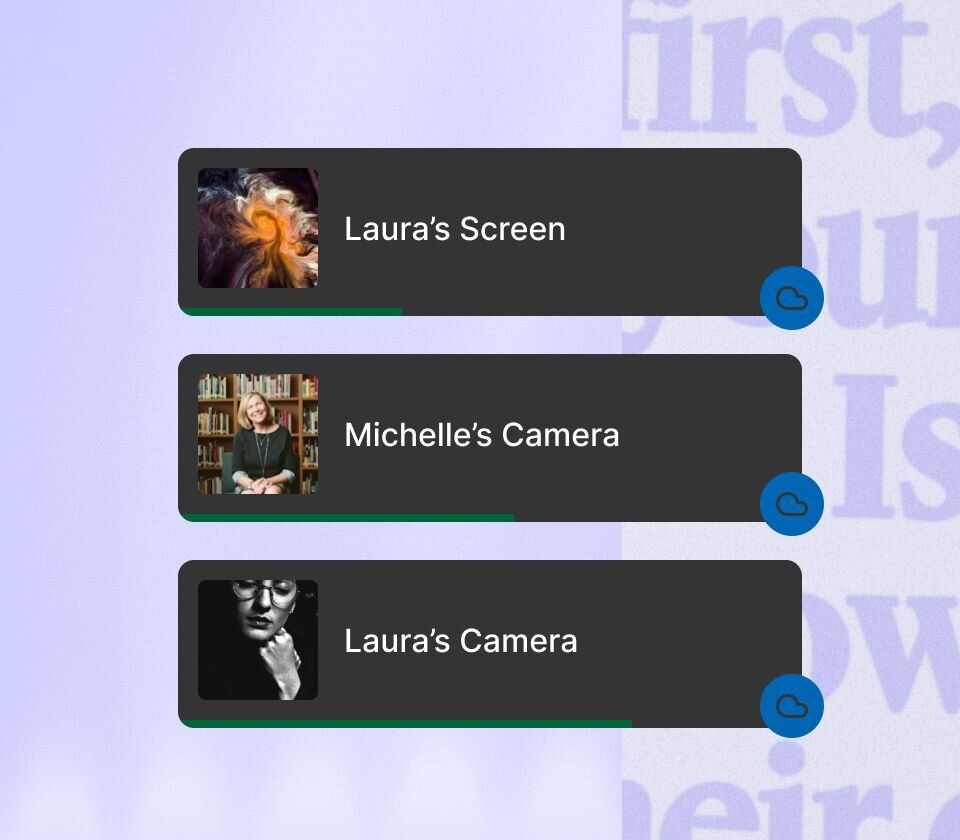
Files record locally and upload as you go, with a cloud backup of every participant.

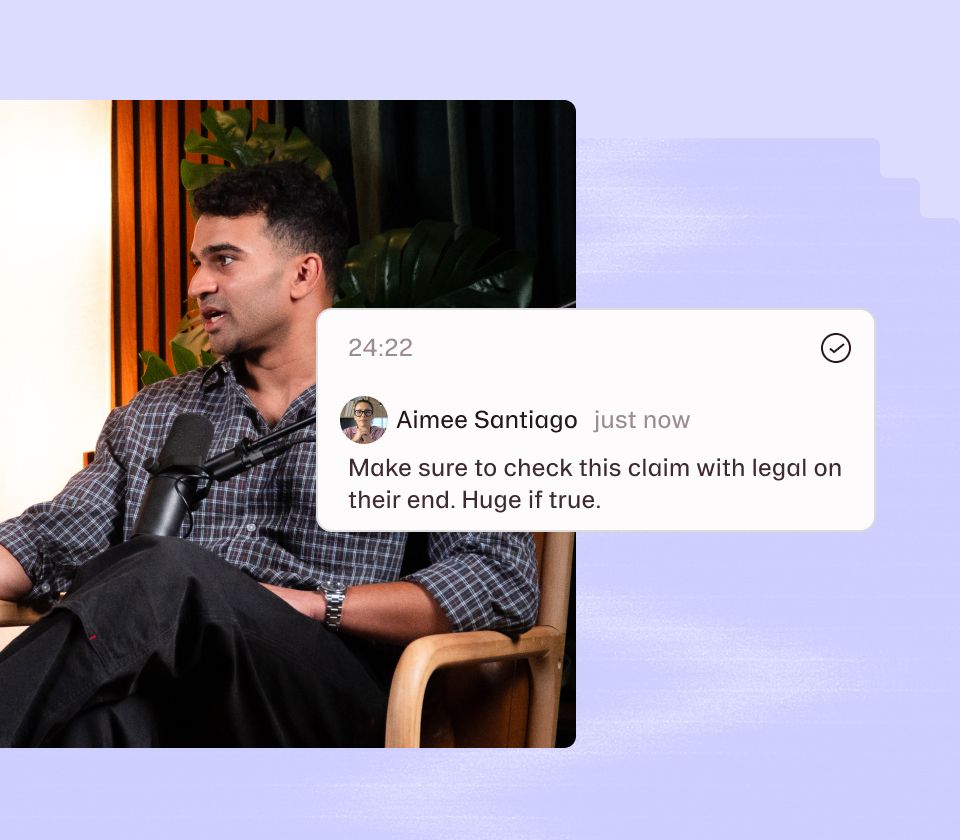
Mark it while it's happening

Drop time-stamped Editor Comments during the session. They stay private to your team and show up in the project when you're done.

Show your screen

Two people can share screens at once, and both get recorded. Live captions run for everyone on stage.
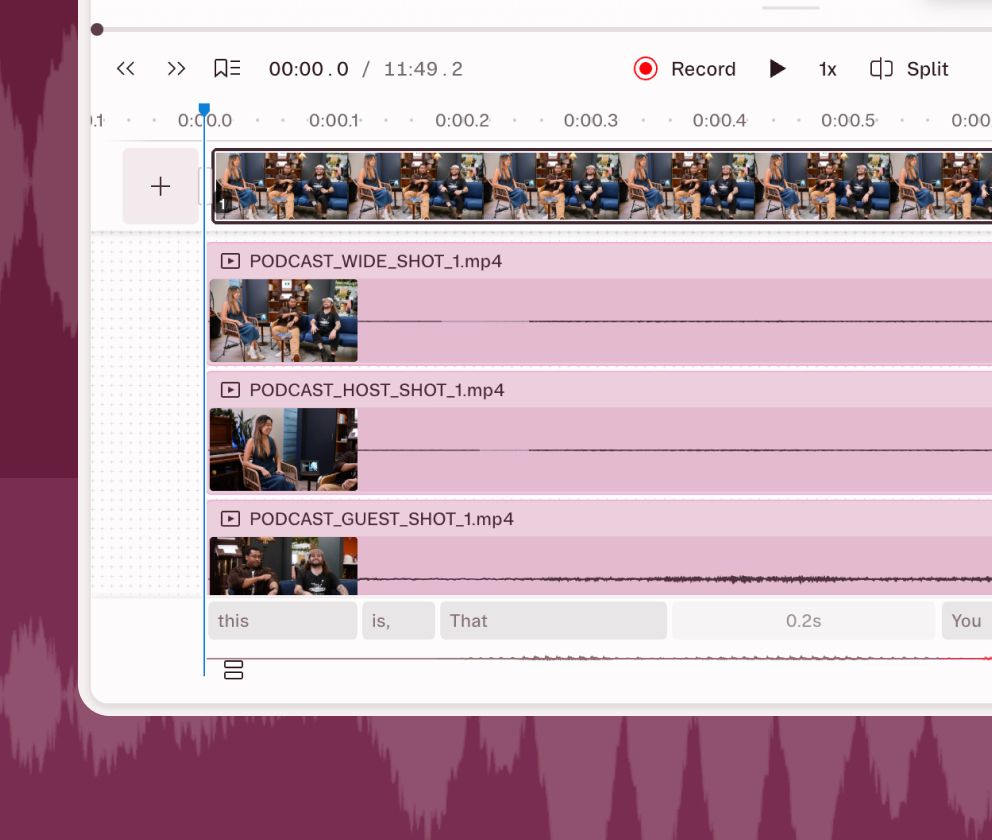
Multitrack editing for total precision

Rooms captures separate tracks for every camera feed. So you get reliable recording and timeline editing. You can adjust timing, remove cross-talk and add music or other audio, with all the professional-grade tools you’d expect from a full-powered audio editor.
Multitrack editing for total precision

Get the look you want, automatically

Keep who’s talking on screen

Keep who’s talking on screen

Record in Rooms, then run Automatic Multicam. Just like that, Descript’s AI will lay out your video, so the speaker is pretty much always on camera.

Keep up the pace

Keep up the pace

Descript’s AI can even make nuanced cuts, like adding reaction shots when someone’s been talking a while, or showing the whole group during rapid-fire conversation.

Keep your brand out front

Keep your brand out front

Frame your videos in your brand colors, add your logo, fonts—all that stuff. Just save it as a template and add it to every video with a click.

Then edit it like a doc

Don’t just take our word for it

With a 4.6-out-of-5-star rating and a bunch of distinctions on G2, Descript’s users have declared it an industry standard in the video and podcasting world.

2026

Best Software

Video EditingAI Video GeneratorsScreen and Video CaptureText to Speech

“With Descript I'll be able to at least double my content output since editing is taking one-quarter the time it used to.”

Donna B.

Donna B.

“With Descript we can create videos for our YouTube channel and our LinkedIn page much faster and with high quality.”

Balázs N.

Balázs N.

“Descript has made cleaning up and creating my educational videos into professional presentations [possible] without needing extensive technical computer skills.”

Barbara C.

Barbara C.

“Descript makes recording and editing audio and video a breeze. It's advanced features have streamlined my workflows, saving me a lot of time usually spent editing.”

Roderick F.

Roderick F.

“The collaborative tools streamline teamwork, allowing my team and me to work efficiently together on projects. Overall, Descript enhances productivity and simplifies the editing process.”

Aldrich M.

Aldrich M.

“Transcription-based editing makes the process much faster…All in all, a must have editor for most audiences, especially in SaaS marketing.”

Nidhin M.

Nidhin M.

“I’d tell anybody new to video: without Descript, you’re going to find yourself stuck in an editing abyss.”

Sam Brace

Senior Director of Customer Education and Community

Sam Brace logo

PRICING

Surely there’s one for you

Free

$0

per person / month

Start editing video by editing text

Get started
  • 1 media hour / month

  • 100 AI credits (one time)

  • Export 720p, with a watermark

  • Limited use of Underlord, our agentic video co-editor and AI tools

  • Limited trial of AI Speech

Hobbyist

$16

per person / month

Elevate your projects, watermark-free

Get started
  • 10 media hours / month

  • 400 AI credits / month

  • Export 1080p, watermark-free

  • Access to Underlord, our AI video co-editor

  • AI tools including Studio Sound, Remove Filler Words, Create Clips, and more

  • AI Speech with custom voice clones and video regenerate

Most Popular

Creator

$24

per person / month

Unlock advanced AI-powered creativity

Get started
  • 30 media hours / month

  • 800 AI credits / month

  • Export 4k, watermark-free

  • Full access to Underlord, our AI video co-editor and 20+ more AI tools

  • Generate video with the latest AI models

  • Unlimited access to royalty-free stock media library

  • Access to top ups for more media hours and AI credits